ES File Explorer
ES File Explorer is an easy way of managing your Android device

Safe & Secure

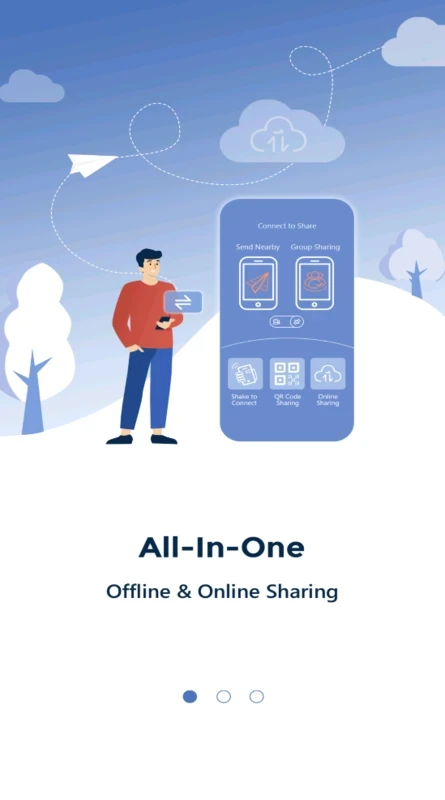
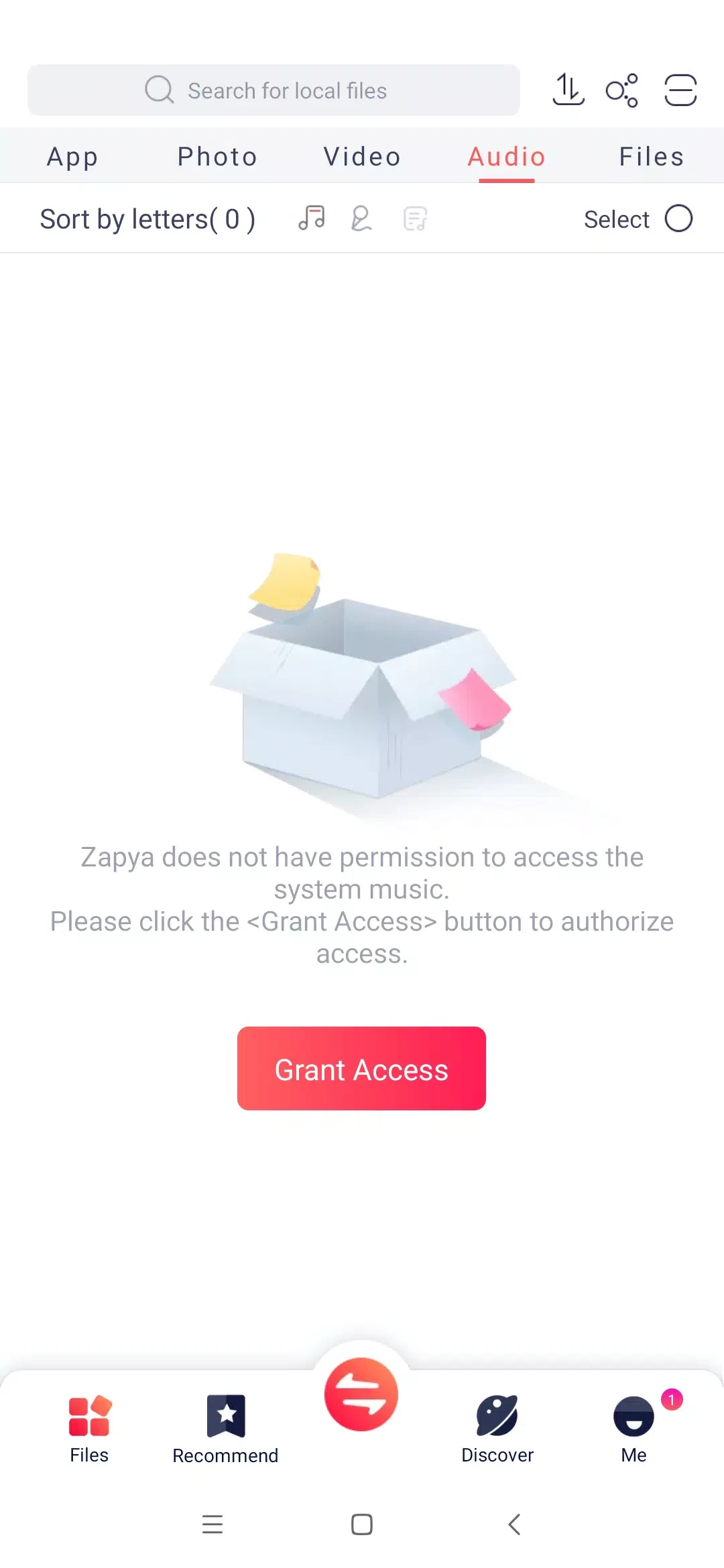
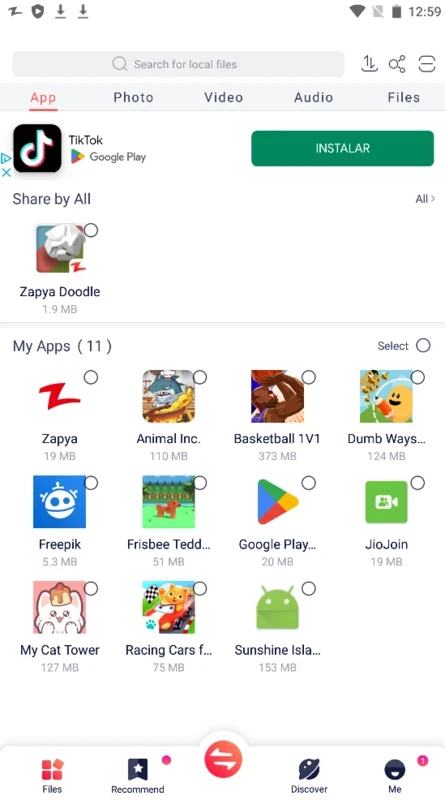
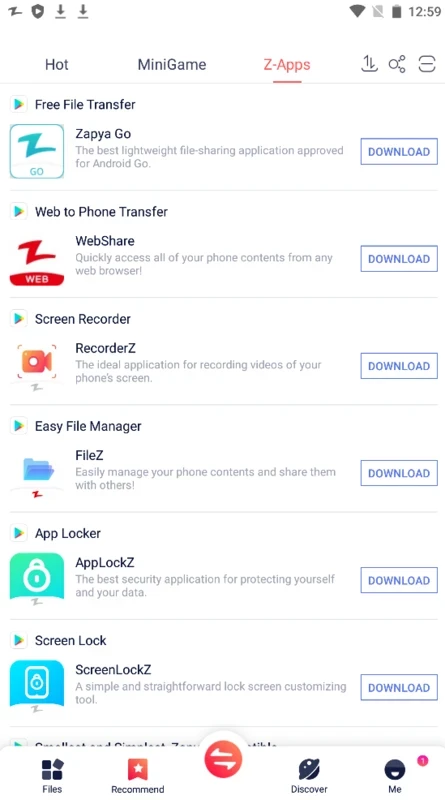
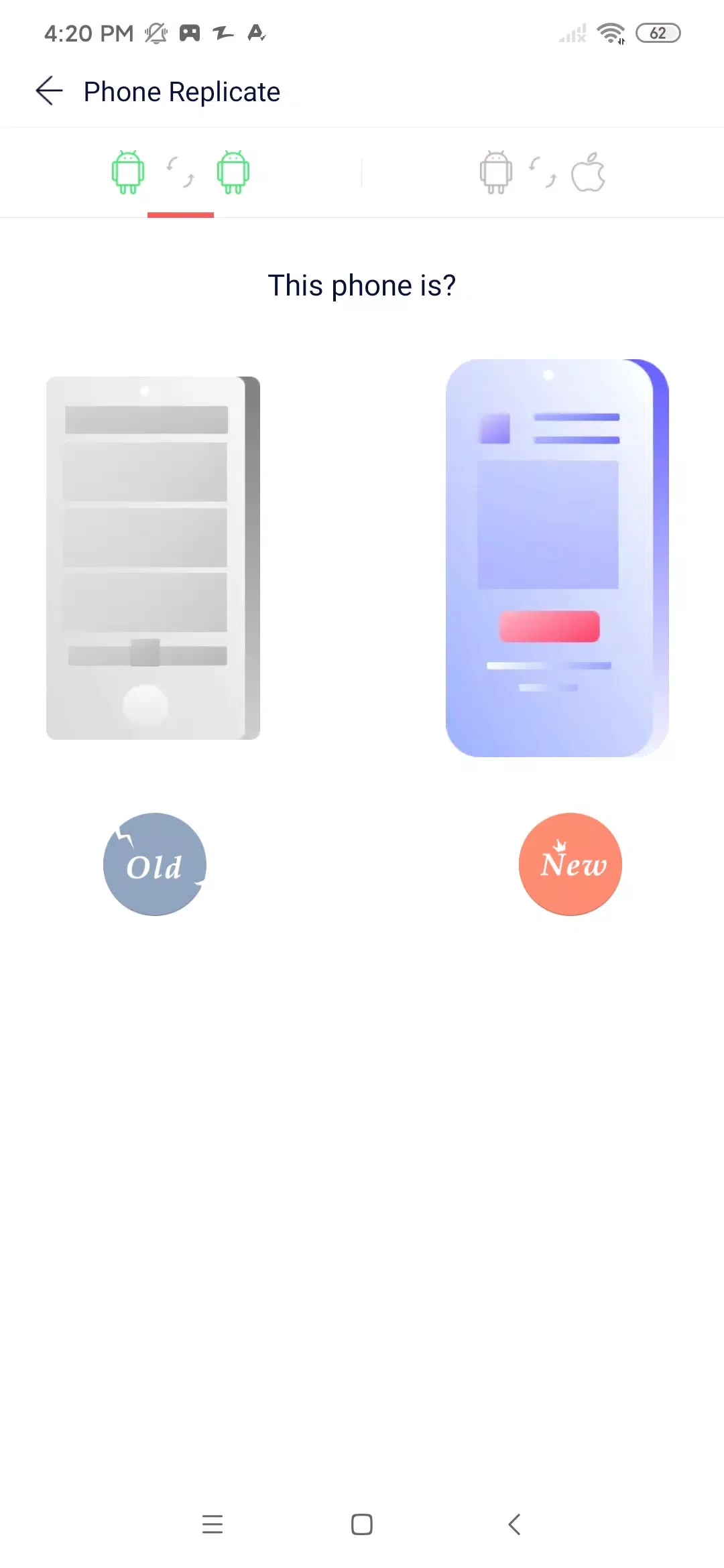
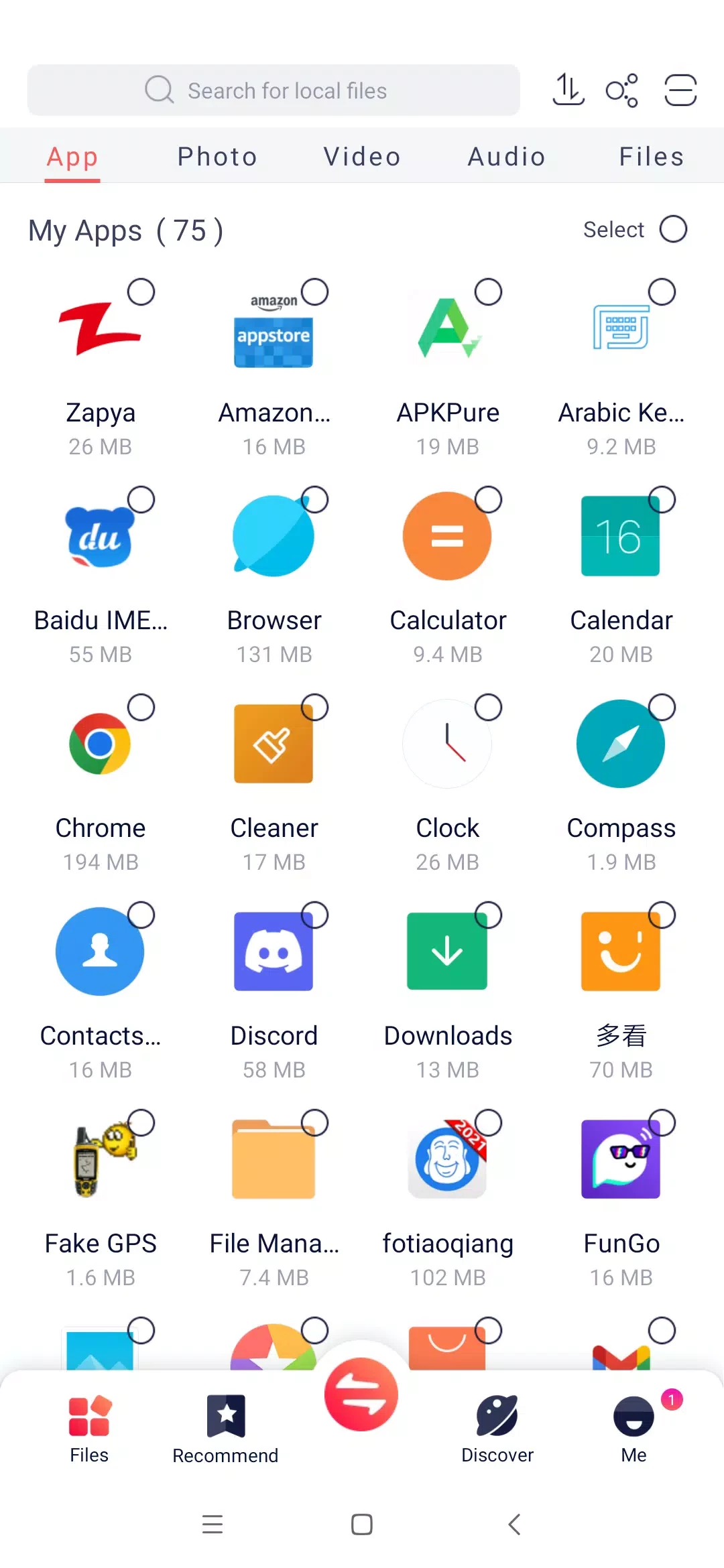
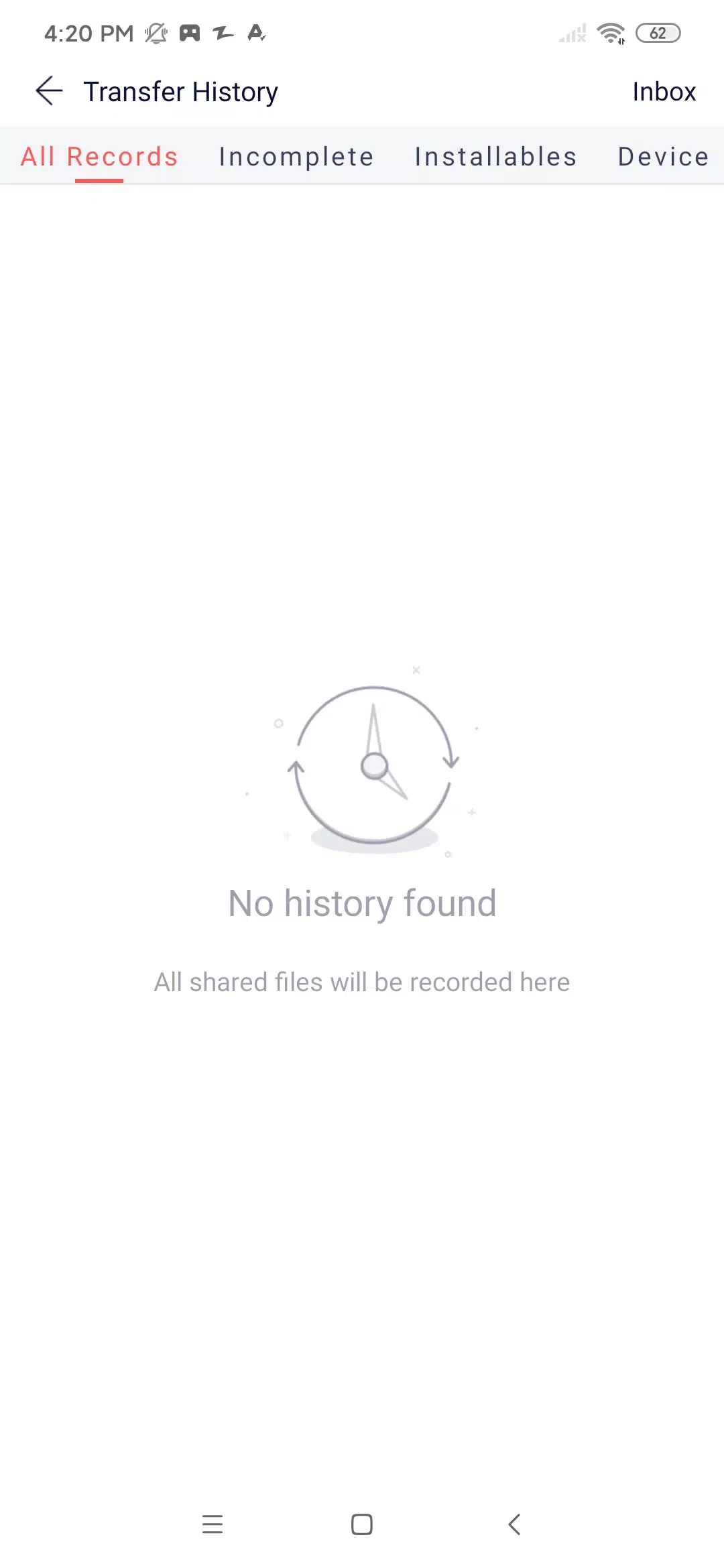
Zapya is one of the powerful peer-to-peer file sharing platforms across multiple devices, even when you are offline. File-sharing is as old as the internet, but gradually, there have been a lot of changes, and currently, we have multiple advanced file-sharing technologies. P2P is one of the easy and simple ways of sharing files between two or more devices.
Zapya makes your sharing process easy and safe, as it helps to avoid all types of legal issues, proxies, and so on. It transfers even larger files within a few clicks while creating its own network after connecting with devices, so any unauthorized access has been banned.
Zapya, developed by DewMobile, is a cross-platform and freeware file sharing application that transfers files in the blink of an eye. You can share your photos, videos, documents, and even apps with your friends without any format limitations. After creating an automatic backup for installed apps, it allows you can set the APK package.
It is a lightweight utility and offers a sharing process between two or more devices, even without an internet connection. There isn’t any file size or format limit; instead, send your data from one device to another quickly.
The user-friendly interface with a clean design offers a simple workflow, even reliable for new users, and experienced users can use it in a better way. The entire setup is a breeze, as you will find easy controls such as file-sharing functions, a built-in media player, and other important options. You are capable of selecting the network for sharing and transferring, regardless of the network is your own, or via another device, or the app used by another person.
If you don’t have an active internet connection, don’t worry, as the app offers support for local wireless technologies to connect the devices and start exchanging files quickly. It offers robust transfer speed, even more powerful than traditional internet-based methods. In addition, you can use the built-in hotspot functionality for establishing a peer-to-peer connection. However, the transfers are possible offline, but can be risky to share sensitive data, as it isn’t encrypted.
The app with straightforward functions requires connecting both devices to the same network and manages your transfers within an easy-to-use interface. It is quite reliable for both the home and office environments. It offers different methods to transfer files, such as QR code and password, and supports a drag-and-drop function for starting transfers. Moreover, you can share the internet connection with approved group members.
You can share your files at the highest speed while creating a direct connection between devices with the help of Wi-Fi Direct technology. It offers 2x faster transfer speed than Bluetooth, and allows transferring larger files such as videos, or even entire folders within seconds. It ensures the quickest transfer to save your time and energy.
There is no limit of file sharing process, as it allows you to share your photos, videos, audios, documents, and multiple other types of content hassle-free. It makes the transfer process quick and seamless between two or more devices, and even without an active internet connection.
The extremely fast file-sharing process is also available for group sharing and allows you to transfer your files to multiple devices simultaneously. It is the best option for sharing files among friends, colleagues, and other group members. It is simple to process, as it requires only a few clicks without any advanced management controls such as access roles, permissions, etc.
The app is equally reliable for both smartphones and computers, and the best solution for casual file sharing. The seamless compatibility across multiple versions, hotspot functionality, quick accessibility through QR code, and a lot of other such innovative capabilities make it one of the best options for sharing your content. However, a lack of encryption can cause some risks for sensitive file deliveries.
You will find huge multilingual support, as the app has English as the default language, and other supported languages are Chinese, Arabic, Indonesian, Vietnamese, Hindi, Thai, Italian, Burmese, Korean, Russian, Turkish, Tamil, Persian, Malayalam, Telugu, Portuguese, Malay, and so on.
The seamless integration with audio and video players ensures an enhanced file-sharing process, as you can preview the files before sharing with others. It is also possible enjoy your favorite received visual content right on the app, instead of going to any third-party audio/video player.
Pros
Cons

ES File Explorer is an easy way of managing your Android device

SHAREit is the seamless sharing of data between multiple devices

Xender is a data transfer app. its working with all supporting devices like Android phones.

EasyShare cross-platform and ad-free tool to offer blazing-fast file transfers

OPPO Clone Phone, quick switching of phones with QR pairing

Send Files to TV to transfer files between multiple devices wirelessly over a local network